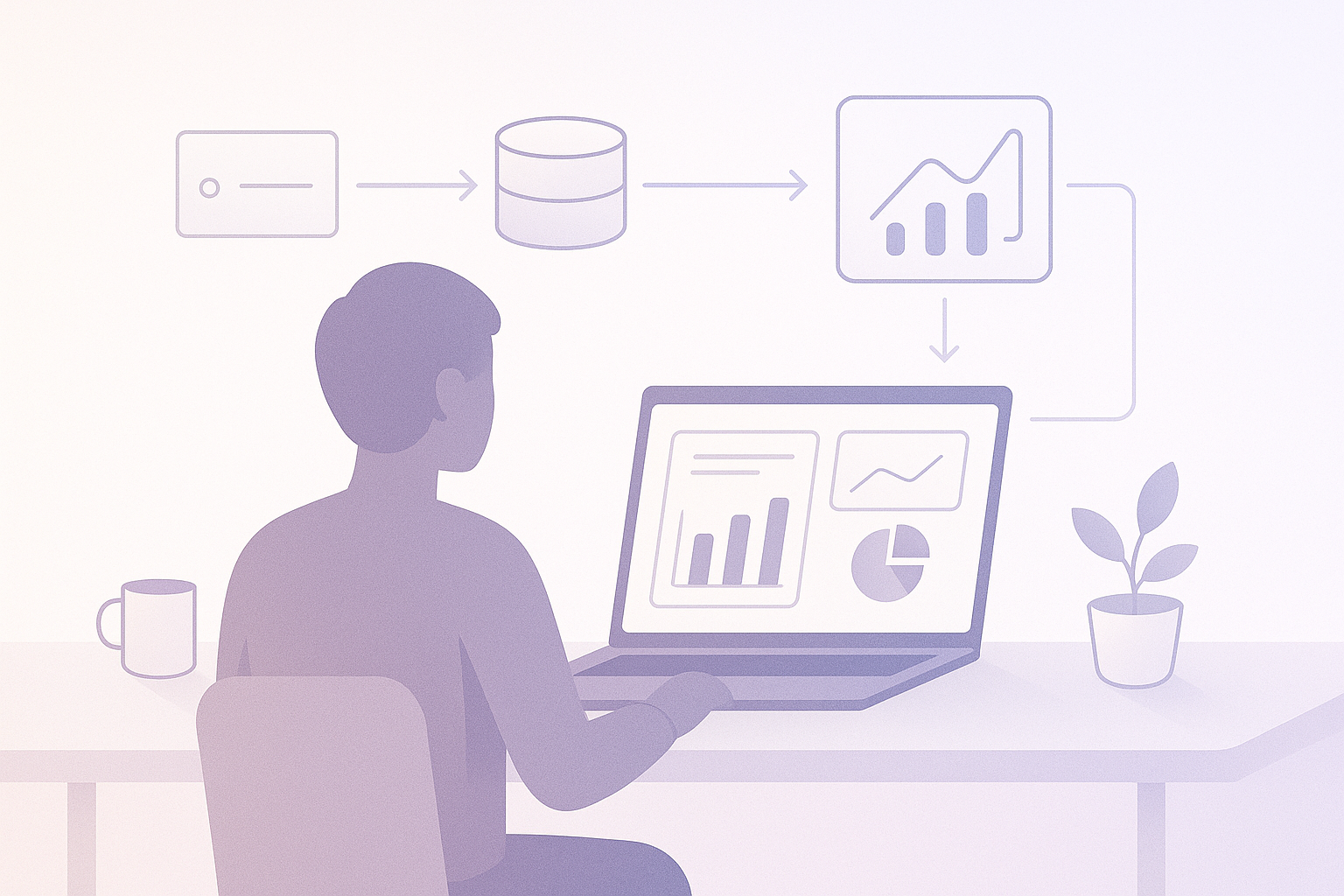
Microsoft published a new end-to-end pattern last week. Train a model inside Fabric. Score it against a governed semantic model. Push predictions straight into Power BI. No data exports. No credential juggling.
The blog post walks through a churn-prediction scenario. Semantic Link pulls data from a governed Power BI semantic model. MLflow tracks experiments and registers models. The PREDICT function runs batch inference in Spark. Real-time endpoints serve predictions through Dataflow Gen2. Everything lives in one workspace, one security context, one OneLake.
It reads well. It demos well.
But demo code is not production code. The gap between “it runs in my notebook” and “it runs every Tuesday at 4 AM without paging anyone” is exactly where Fabric Spark teams bleed time.
This is the checklist for crossing that gap.
Prerequisites that actually matter
The official blog assumes a Fabric-enabled workspace and a published semantic model. That is the starting line. Production is a different race.
Capacity planning comes first. Fabric Spark clusters consume capacity units. A batch scoring job running on an F64 during peak BI refresh hours competes for the same CUs your report viewers need. Run scoring in off-peak windows, or provision a separate capacity for data science workloads. Either way, know your CU ceiling before your first experiment. Discovering your scoring job throttles the CFO’s dashboard refresh is not a conversation you want to have.
Workspace isolation is not optional. Dev, test, prod. Semantic models promoted through deployment pipelines. ML experiments pinned to dev. Registered models promoted to prod only after validation passes. If your team trains models in the same workspace where finance runs their quarterly close dashboard, you are one accidental publish away from explaining why the revenue numbers just changed.
MLflow model signatures must be populated from day one. The PREDICT function requires them. No signature, no batch scoring. This constraint is easy to forget during prototyping and expensive to fix later. Make it a rule: every mlflow.sklearn.log_model call includes an infer_signature output. No exceptions. Write a pre-commit hook if you have to.
Semantic Link: the part most teams underestimate
Semantic Link connects your Power BI semantic model to your Spark notebooks. Call fabric.read_table() and you get governed data. Same measures and definitions your business users see in their reports. The data in your model’s training set matches what shows up in Power BI.
This matters more than it sounds.
Every analytics team that has been around long enough has a story about metric inconsistency. “Active customer” means one thing in the DAX model, another thing in the SQL pipeline, and a third thing in the data scientist’s Python notebook. The numbers diverge. Somebody notices. A week of forensic reconciliation follows.
Semantic Link kills that problem at the root. But only if you use it deliberately.
Start with fabric.list_measures(). Audit what DAX measures exist. Understand which ones your model depends on. Then pull data with fabric.read_table() rather than querying lakehouse tables directly. When you need to engineer features beyond what the semantic model provides, document every derivation in a version-controlled notebook. Written down and committed. Not living in someone’s memory or buried in a thread.
Training guardrails worth building
The Fabric blog shows a clean LightGBM training flow with MLflow autologging. That is the happy path. Production needs the unhappy path covered too.
Validate data before training. Check row counts against expected baselines. Check for null spikes in key columns. Check that the class distribution has not shifted beyond your predefined threshold. A model trained on corrupted or stale data produces confident garbage. Confident garbage is worse than no model at all, because people act on it.
Tag every experiment run. MLflow in Fabric supports custom tags. Use them aggressively. Tag each run with the semantic model version it pulled from, the notebook commit hash, and the data snapshot date. Three months from now, when a stakeholder asks why the model flagged 200 customers as high churn risk and zero of them actually left, you need to reconstruct exactly what happened. Without tags, you are guessing.
Build a champion-challenger gate. Before any new model version reaches production, it must beat the current model on a holdout set from the most recent data. Not any holdout set. The most recent one. Automate this comparison in a validation notebook that runs as a pipeline step before model registration. If the challenger fails to clear the margin you defined upfront, the pipeline halts. No override button. No “let’s just push it and see.” The gate exists to prevent optimism from substituting for evidence.
Batch scoring: the PREDICT function in production
Fabric’s PREDICT function is straightforward. Pass a registered MLflow model and a Spark DataFrame. Get predictions back. It supports scikit-learn, LightGBM, XGBoost, CatBoost, ONNX, PyTorch, TensorFlow, Keras, Spark, Statsmodels, and Prophet.
The production requirements are few but absolute.
Write predictions to a delta table in OneLake. Not to a temporary DataFrame that dies with the session. Partition that table by scoring date. Add a column for the model version that generated each row. This is your audit trail. When someone asks “why did customer 4471 show as high risk last Tuesday?”, you pull the partition, check the model version, and have an answer in minutes. Without that structure, the same question costs you a day.
Chain your scoring job to run after your semantic model refresh. Sequence matters. If the model scores data from the prior refresh cycle, your predictions are one step behind reality. Use Fabric pipelines to enforce the dependency explicitly. Refresh completes, scoring starts.
Real-time endpoints: know exactly what you are signing up for
Fabric now offers ML model endpoints in preview. Activate one from the model registry. Fabric spins up managed containers and gives you a REST API. Dataflow Gen2 can call the endpoint during data ingestion, enriching rows with predictions in flight.
The capability is real. The constraints are also real.
Real-time endpoints support a limited set of model flavors: Keras, LightGBM, scikit-learn, XGBoost, and (since January 2026) AutoML-trained models. PyTorch, TensorFlow, and ONNX are not supported for real-time serving. If your production model uses one of those frameworks, batch scoring is your only path.
The auto-sleep feature deserves attention. Endpoints scale capacity to zero after five minutes without traffic. The first request after sleep incurs a cold-start delay while containers spin back up. For use cases that need consistent sub-second latency, you have two options: disable auto-sleep and accept the continuous capacity cost, or send periodic synthetic requests to keep the endpoint warm.
The word “preview” is load-bearing here. Preview means the API can change between updates. Preview means SLAs are limited. Preview means you need a batch-scoring fallback in place before you route any production workflow through a real-time endpoint. Build the fallback first. Test it. Then add the real-time path as an optimization on top.
The rollback plan you need to write before you ship
Most teams build forward. They write the training pipeline, the scoring job, the endpoint, the Power BI report that consumes predictions. Then they ship.
Nobody writes the backward path. Until something goes wrong.
Your rollback plan has three parts.
First, keep at least two prior model versions in the registry. If the current version starts producing bad predictions, you roll back by updating the model alias. One API call. The scoring pipeline picks up the previous version on its next run.
Second, partition prediction tables by date and model version. Rolling back a model means nothing if downstream reports still display the bad predictions. With partitioned tables, you can filter or drop the scoring run from the misbehaving version and revert to the prior run’s output.
Third, a kill switch for real-time endpoints. One API call to deactivate the endpoint. Traffic falls back to the latest batch-scored delta table. Your Power BI report keeps working, just without real-time enrichment, while you figure out what went wrong.
Test this plan. Not on paper. Run the rollback end to end in your dev environment. Time it. If reverting to a stable state takes longer than fifteen minutes, your plan is too complicated. Simplify it until the timer clears.
Ship it
The architecture Microsoft described is sound. Semantic Link for governed data access. MLflow for experiment tracking and model registration. PREDICT for batch scoring to OneLake. Real-time endpoints for low-latency enrichment. Power BI consuming prediction tables through DirectLake or import.
But architecture alone does not keep a system running at 4 AM. The capacity plan does. The workspace isolation does. The data validation gate, the champion-challenger check, the scoring sequence, the endpoint fallback, the rollback drill. Those are what separate a demo from a service.
Do the checklist. Test the failure modes. Then ship.
This post was written with help from anthropic/claude-opus-4-6

 Christopher Finlan