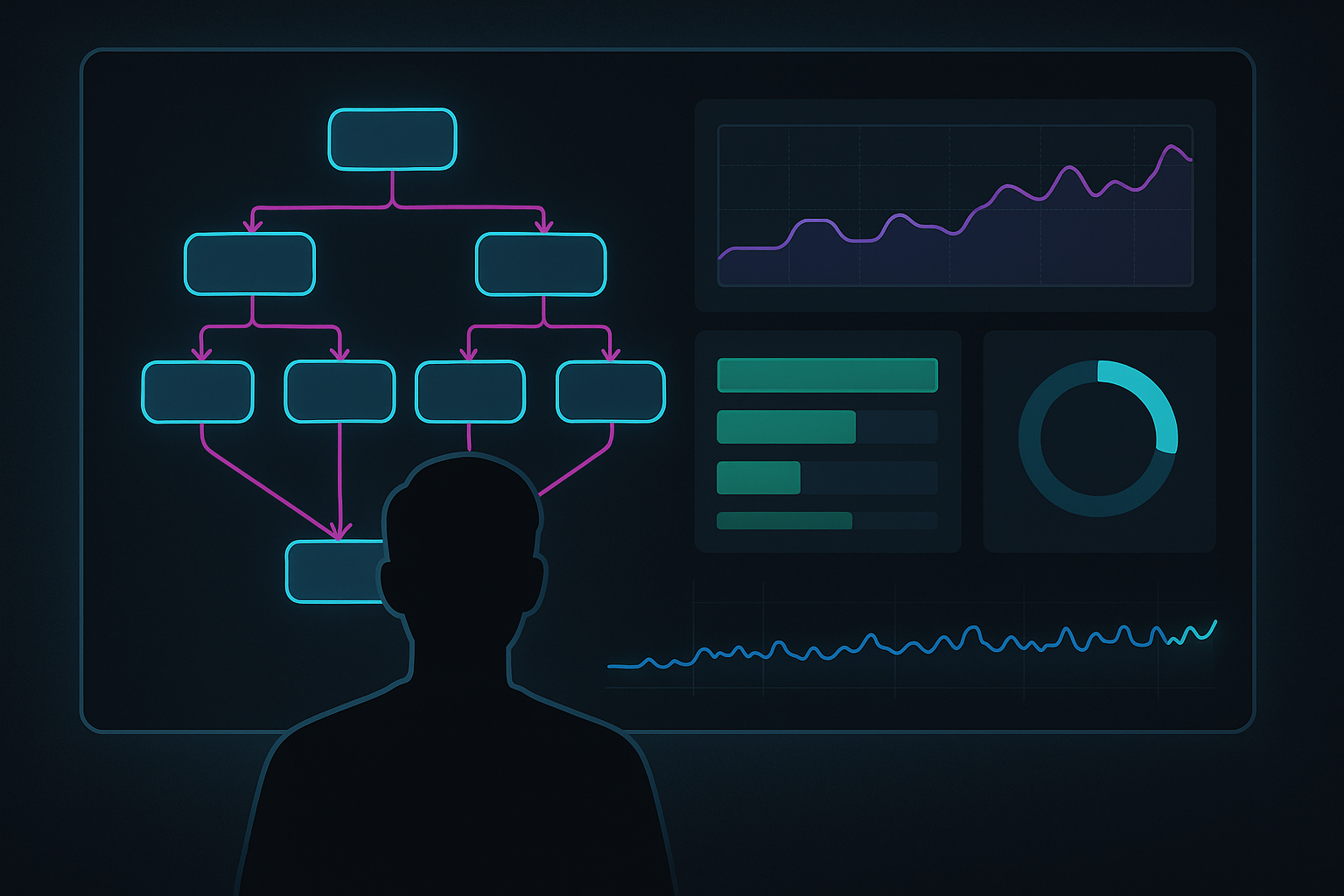
Monitoring Spark Jobs in Real Time in Microsoft Fabric

If Spark performance work is surgery, monitoring is your live telemetry.

Microsoft Fabric gives you multiple monitoring entry points for Spark workloads: Monitor hub for cross-item visibility, item Recent runs for focused context, and application detail pages for deep investigation. This post is a practical playbook for using those together.

Why this matters

When a notebook or Spark job definition slows down, “run it again” is the most expensive way to debug. Real-time monitoring helps you:

  • spot bottlenecks while jobs are still running
  • isolate failures quickly
  • compare behavior across submitters and workspaces

1) Start at the Monitoring hub for cross-workspace triage

Use Monitoring in the Fabric navigation pane as your control tower.

  1. Filter by item type (Notebook, Spark job definition, Pipeline)
  2. Narrow by start time and workspace
  3. Sort by duration or status to surface outliers

For broad triage, this is faster than jumping directly into individual notebooks.

2) Pivot to Spark application details for root-cause analysis

Once you identify a problematic run, open the Spark application detail page and work through tabs in order:

  • Jobs: status, stages, tasks, duration, and processed/read/written data
  • Resources: executor allocation and utilization in near real time
  • Logs: inspect Livy, Prelaunch, and Driver logs; download when needed
  • Item snapshots: confirm exactly what code/parameters/settings were used at execution time

This sequence prevents false fixes where you tune the wrong layer.

3) Use notebook contextual monitoring while developing

For iterative tuning, notebook contextual monitoring keeps authoring, execution, and debugging in one place.

  1. Run a target cell/workload
  2. Watch job/stage/task progress and executor behavior
  3. Jump to Spark UI or detail monitoring for deeper traces
  4. Adjust code or config and rerun

4) A lightweight real-time runbook

  • Confirm scope in the Monitoring hub (single run or systemic pattern)
  • Open application details for the failing/slower run
  • Check Jobs for stage/task imbalance and long-running segments
  • Check Resources for executor pressure
  • Check Logs for explicit failure signals
  • Verify snapshots so you debug the exact submitted artifact

Common mistakes to avoid

  • Debugging from memory instead of snapshots
  • Looking only at notebook cell output and skipping Logs/Resources
  • Treating one anomalous run as a global trend without Monitor hub filtering

References

This post was written with help from ChatGPT 5.3

Running OpenClaw in Production: Reliability, Alerts, and Runbooks That Actually Work

Agents are fun when they’re clever. They’re useful when they’re boring.

If you’re running OpenClaw as an always-on assistant (cron jobs, health checks, publishing pipelines, internal dashboards), the failure mode isn’t usually “it breaks once.” It’s it flakes intermittently and you can’t tell if the problem is upstream, your network, your config, or the agent.

This post is the operational playbook that moved my setup from “cool demo” to “production-ish”: fewer false alarms, faster debugging, clearer artifacts, and tighter cost control.

The production baseline (don’t skip this)

Before you add features, lock the boring stuff:

  • One source of truth for cron/job definitions.
  • A consistent deliverables folder (so outputs don’t vanish into chat history).
  • A minimal runbook per job (purpose, dependencies, failure modes, disable/rollback).

Observability: prove what happened

When something fails, you want receipts — not vibes.

Minimum viable run-level observability:

  • job_name, job_id, run_id
  • start/end timestamp (with timezone)
  • what the job tried to do (high level)
  • what it produced (file paths, URLs)
  • what it depended on (network/API/tool)
  • the error and the evidence (HTTP status, latency, exception type)

Split latency: upstream vs internal

If Telegram is “slow,” is that Telegram API RTT/network jitter, internal queueing, or a slow tool call? Instrument enough to separate those — otherwise you’ll waste hours fixing the wrong layer.

Alert-only health checks (silence is success)

If a health check is healthy 99.9% of the time, it should not message you 99.9% of the time.

  • prints NO_REPLY when healthy
  • emits one high-signal alert line when broken
  • includes evidence (what failed, how, and where to look)

Example alert shape:

⚠️ health-rollup: telegram_rtt_p95=3.2s (threshold=2.0s) curl=https://api.telegram.org/ ts=2026-02-10T03:12:00-08:00

Cron hygiene: stop self-inflicted outages

  • Idempotency: re-runs don’t duplicate deliverables.
  • Concurrency control: don’t let overlapping runs pile up.
  • Deterministic first phase: validate dependencies before doing expensive work.
  • Deadman checks: alert if a job hasn’t run (or hasn’t delivered) in N hours.

Evidence-based alerts: pages should come with receipts

A useful alert answers: (1) what failed, (2) where is the evidence (log path / file path / URL), and (3) what’s the next action. Anything else is notification spam.

Cost visibility: make it measurable

  • batch work; avoid polling
  • cap retries
  • route routine work to cheaper models
  • log model selection per run
  • track token usage from local transcripts (not just “current session model”)

Deliverables: put outputs somewhere that syncs

Chat is not a file system. Every meaningful workflow should write artifacts to a synced folder (e.g., OneDrive): primary output, supporting evidence, and run metadata.

Secure-by-default: treat inputs as hostile

  • Separate read (summarize) from act (send/delete/post).
  • Require explicit confirmation for destructive/external actions.
  • Prefer allowlists over arbitrary shell.

Runbooks: make 2am fixes boring

  • purpose
  • schedule
  • dependencies
  • what “healthy” looks like
  • what “broken” looks like
  • how to disable
  • how to recover

What we changed (the short version)

  • Consolidated multiple probes into one evidence-based rollup.
  • Converted recurring checks to alert-only.
  • Standardized artifacts into a synced deliverables folder.
  • Added a lightweight incident runbook.
  • Put internal dashboards behind Tailscale on separate ports.

This post was written with help from ChatGPT 5.2