Excel-based Chatbots Powered by OpenAI API: A Game Changer for Business Automation

Introduction

The integration of the OpenAI API with Microsoft Excel is revolutionizing the way businesses interact with their data. One of the most exciting developments is the creation of Excel-based chatbots, which have the potential to automate various functions such as:

  1. Customer Service: Automate customer support by creating a chatbot that can handle frequently asked questions, troubleshoot issues, and provide guidance on product usage.
  2. Sales: Develop a sales chatbot that can assist customers in finding the right product, offer personalized recommendations, and even process orders directly from Excel.
  3. HR and Recruitment: Design a chatbot to automate the screening process, answer candidate queries, and schedule interviews.
  4. Inventory Management: Build a chatbot to help users track inventory levels, place orders for restocking, and provide real-time updates on product availability.
  5. Knowledge Management: Create a chatbot that can quickly retrieve information from internal databases, streamlining the process of accessing company data.

In this blog post, we will provide a detailed, step-by-step walkthrough for creating a chatbot within Excel using the OpenAI API. This guide is designed for novice Excel users, with easy-to-follow instructions and ready-to-use code snippets.

Note – Please be aware that this solution involves interacting with OpenAI’s API. I encourage users to familiarize themselves with OpenAI’s data usage policy (https://platform.openai.com/docs/data-usage-policy) and take necessary precautions to ensure the privacy and security of their data.

Step 1: Setting up the OpenAI API

First, sign up for an API key on the OpenAI website (https://beta.openai.com/signup/) and follow the instructions to get started.

Step 2: Creating a Chatbot Interface in Excel

  1. Open a new Excel workbook.
  2. In cell A1, type “User Input”.
  3. In cell B1, type “Chatbot Response”.
  4. Format the cells as desired for better readability.

Step 3: Enable Excel Developer Tab

  1. Click on “File” > “Options” > “Customize Ribbon”.
  2. Check the box next to “Developer” in the right column and click “OK”.

Step 4: Add a Button to Trigger Chatbot

  1. Click the “Developer” tab.
  2. Click “Insert” and select “Button (Form Control)”.
  3. Draw the button below the “User Input” and “Chatbot Response” cells.
  4. Right-click the button, select “Edit Text,” and type “Submit”.

Step 5: Write VBA Code for OpenAI API Integration

  1. Right-click the “Submit” button and click “Assign Macro”.
  2. In the “Assign Macro” window, click “New”.
  3. Copy and paste the following code into the VBA editor:
Option Explicit

Private Sub Submit_Click()
    Dim userInput As String
    Dim chatbotResponse As String
    
    ' Get user input from cell A2
    userInput = Range("A2").Value
    
    ' Call OpenAI API to get chatbot response
    chatbotResponse = GetOpenAIResponse(userInput)
    
    ' Display chatbot response in cell B2
    Range("B2").Value = chatbotResponse
End Sub

Function GetOpenAIResponse(userInput As String) As String
    Dim objHTTP As Object
    Dim apiKey As String
    Dim apiUrl As String
    Dim jsonBody As String
    Dim jsonResponse As String
    Dim json As Object
    
    ' Set your OpenAI API key here
    apiKey = "your_openai_api_key"
    
    ' Set OpenAI API endpoint URL
    apiUrl = "https://api.openai.com/v1/chat/completions"
    
    ' Create JSON request body
    jsonBody = "{""messages"": [{""role"": ""system"", ""content"": ""You are a helpful assistant.""}, {""role"": ""user"", ""content"": """ & userInput & """}], ""max_tokens"": 50, ""n"": 1, ""stop"": ""\n"", ""temperature"": 0.7}"
    
    ' Create an HTTP object
    Set objHTTP = CreateObject("MSXML2.ServerXMLHTTP.6.0")
    
    ' Send the request to OpenAI API
    With objHTTP
        .Open "POST", apiUrl, False
        .setRequestHeader "Content-Type", "application/json"
        .setRequestHeader "Authorization", "Bearer " & apiKey
        .send jsonBody
        jsonResponse = .responseText
    End With
    
    ' Create a JSON parser object
    Set json = CreateObject("MSXML2.DOMDocument.6.0")
    json.LoadXML jsonResponse
    
    ' Extract chatbot response from JSON and return it
    GetOpenAIResponse = json.SelectSingleNode("//content").Text
End Function

  1. Replace your_openai_api_key with your actual OpenAI API key.
  2. Save the VBA code by clicking the floppy disk icon or pressing Ctrl+S.
  3. Close the VBA editor by clicking the “X” in the top-right corner.

Step 6: Add Microsoft XML Reference for JSON Parsing

  1. Press Alt+F11 to open the VBA editor.
  2. Click “Tools” > “References” in the menu.
  3. Scroll down and check the box next to “Microsoft XML, v6.0” (or the latest version available).
  4. Click “OK” to close the “References” window.

Step 7: Test Your Excel Chatbot

  1. In cell A2, type a question or statement for your chatbot (e.g., “What is the capital of France?”).
  2. Click the “Submit” button.
  3. The chatbot’s response should appear in cell B2.

(Optional) Step 8: Add Context Awareness to Your Excel Chatbot

  1. In your Excel workbook, create a new sheet and rename it to “ConversationHistory”.
  2. In the VBA editor, modify the Submit_Click() subroutine by adding the following lines of code before the line chatbotResponse = GetOpenAIResponse(userInput):
    ' Save user input to ConversationHistory sheet
With Sheets("ConversationHistory")
.Cells(.Cells(.Rows.Count, 1).End(xlUp).Row + 1, 1).Value = "User: " & userInput
End With

3. Modify the GetOpenAIResponse() function by adding a new argument called conversationHistory:

Function GetOpenAIResponse(userInput As String, conversationHistory As String) As String

4. Update the Submit_Click() subroutine to pass the conversation history when calling the GetOpenAIResponse() function. Replace the line chatbotResponse = GetOpenAIResponse(userInput) with the following code:

    ' Get conversation history
Dim conversationHistory As String
conversationHistory = Join(Application.Transpose(Sheets("ConversationHistory").UsedRange.Value), " ")

' Call OpenAI API to get chatbot response
chatbotResponse = GetOpenAIResponse(userInput, conversationHistory)

5. Modify the JSON request body in the GetOpenAIResponse() function to include the conversation history. Replace the line jsonBody = "{""prompt"": ""Chatbot: " & userInput & "\", ""max_tokens"": 50, ""n"": 1, ""stop"": ""\n"", ""temperature"": 0.7}" with the following code:

    ' Create JSON request body with conversation history
jsonBody = "{""prompt"": """ & conversationHistory & " Chatbot: " & userInput & "\", ""max_tokens"": 50, ""n"": 1, ""stop"": ""\n"", ""temperature"": 0.7}"

6. Finally, update the Submit_Click() subroutine to save the chatbot’s response in the “ConversationHistory” sheet. Add the following lines of code after the line Range("B2").Value = chatbotResponse:

    ' Save chatbot response to ConversationHistory sheet
With Sheets("ConversationHistory")
.Cells(.Cells(.Rows.Count, 1).End(xlUp).Row + 1, 1).Value = "Chatbot: " & chatbotResponse
End With

With this optional modification in place, your Excel chatbot will now maintain a conversation history in the “ConversationHistory” sheet, which will be used to provide context-aware responses. The chatbot will be able to give more accurate and relevant answers based on the user’s previous interactions.

Conclusion

You now have a working Excel-based chatbot powered by the OpenAI API. This guide has provided you with a simple, step-by-step approach to creating a chatbot interface within Excel and integrating it with the OpenAI API using VBA code. While this example uses basic functionality, you can expand and adapt the code to create chatbots for various applications, such as customer service, sales, HR, inventory management, and knowledge management. With the power of the OpenAI API and the familiar Excel interface, businesses can create powerful, user-friendly tools to enhance operations and boost productivity.

This blogpost was created with help from ChatGPT Pro.

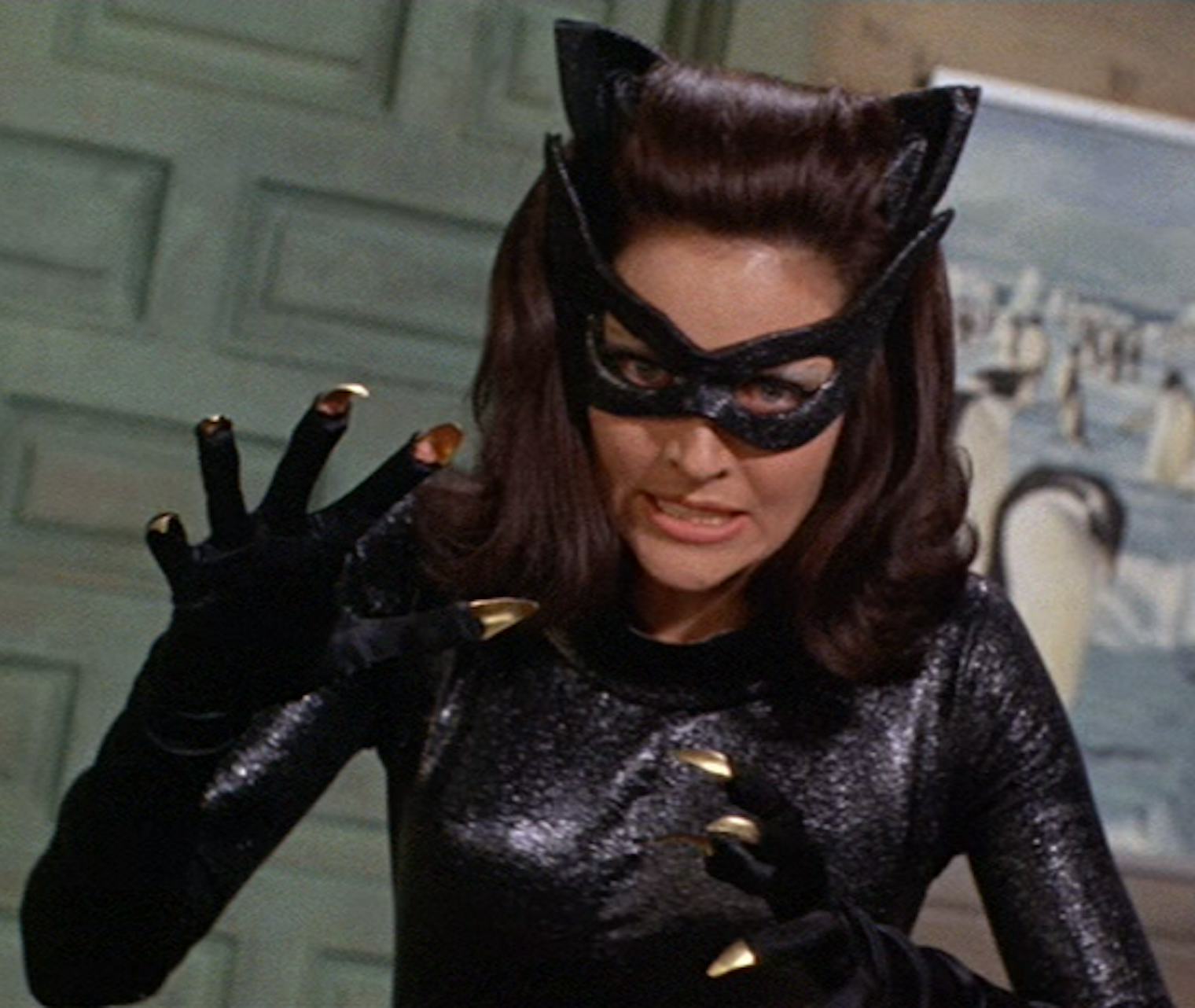
Lee Meriwether: The Timeless Catwoman – A Comparative Analysis of Iconic Scenes

Introduction

In a previous blog post, we explored why Lee Meriwether was the best Catwoman from the 1966 Batman TV Show. However, it’s essential to provide a more in-depth analysis by comparing and contrasting specific scenes and elements that showcase her chemistry and timeless appeal. In this follow-up post, we’ll dive into some iconic scenes that demonstrate why Lee Meriwether stood out among other actresses who portrayed Catwoman.

Scene 1: Meeting Batman and Robin at the Museum (Batman: The Movie, 1966)

One of the most memorable scenes featuring Lee Meriwether’s Catwoman is when she, disguised as Miss Kitka, meets Batman and Robin at the museum. This scene highlights her versatility as an actress, as she convincingly switches between her Russian journalist persona and her cunning feline alter-ego.

Compared to Julie Newmar and Eartha Kitt, Meriwether’s performance in this scene is particularly noteworthy because of her seamless transition between personas. Her ability to portray a believable and charming Miss Kitka showcases her range as an actress and her undeniable chemistry with Adam West’s Batman.

Scene 2: The Seduction of Batman

Lee Meriwether’s Catwoman excelled in her ability to seduce Batman subtly. In Batman: The Movie, there’s a scene where Catwoman, as Miss Kitka, invites Batman to her apartment for a “private interview.” Meriwether’s performance strikes a delicate balance between flirtatious and innocent, allowing her chemistry with Batman to shine.

In contrast, Julie Newmar’s Catwoman was more overtly flirtatious, while Eartha Kitt’s rendition was more aggressive and domineering. Meriwether’s subtlety in this scene demonstrates her unique and timeless appeal, setting her apart from the other portrayals of Catwoman.

Scene 3: The Climactic Battle on the Submarine

In the climactic battle on the submarine in Batman: The Movie, Lee Meriwether’s Catwoman shows her cunning and combat skills. She fights alongside the other villains against Batman and Robin, displaying both her intelligence and physical prowess.

Comparing this scene with other Catwoman portrayals, Meriwether stands out because of her ability to balance the character’s feminine charm and cunning nature. Newmar and Kitt, while both skilled in combat, leaned more towards either seductiveness (Newmar) or fierceness (Kitt). Meriwether’s performance captures the essence of Catwoman in a way that feels both authentic and timeless.

Scene 4: The Final Unmasking

The final unmasking scene, where Batman discovers Catwoman’s true identity, is crucial in showcasing Meriwether’s acting prowess. In this scene, she masterfully switches between her personas, revealing her vulnerability and allowing the audience to sympathize with her character.

Comparatively, Newmar’s and Kitt’s unmasking scenes lacked the same emotional depth. Meriwether’s ability to evoke empathy and portray a multi-dimensional character solidifies her status as the most timeless and engaging Catwoman.

Conclusion

Lee Meriwether’s portrayal of Catwoman in the 1966 Batman TV Show and movie stands out for several reasons. Her ability to transition between personas, subtle seduction, balanced combat skills, and emotional depth in key scenes set her apart from Julie Newmar and Eartha Kitt. These specific scenes and elements demonstrate why Lee Meriwether’s Catwoman has a more timeless appeal and better chemistry with Adam West’s Batman.

This blogpost was created with help from ChatGPT Pro.
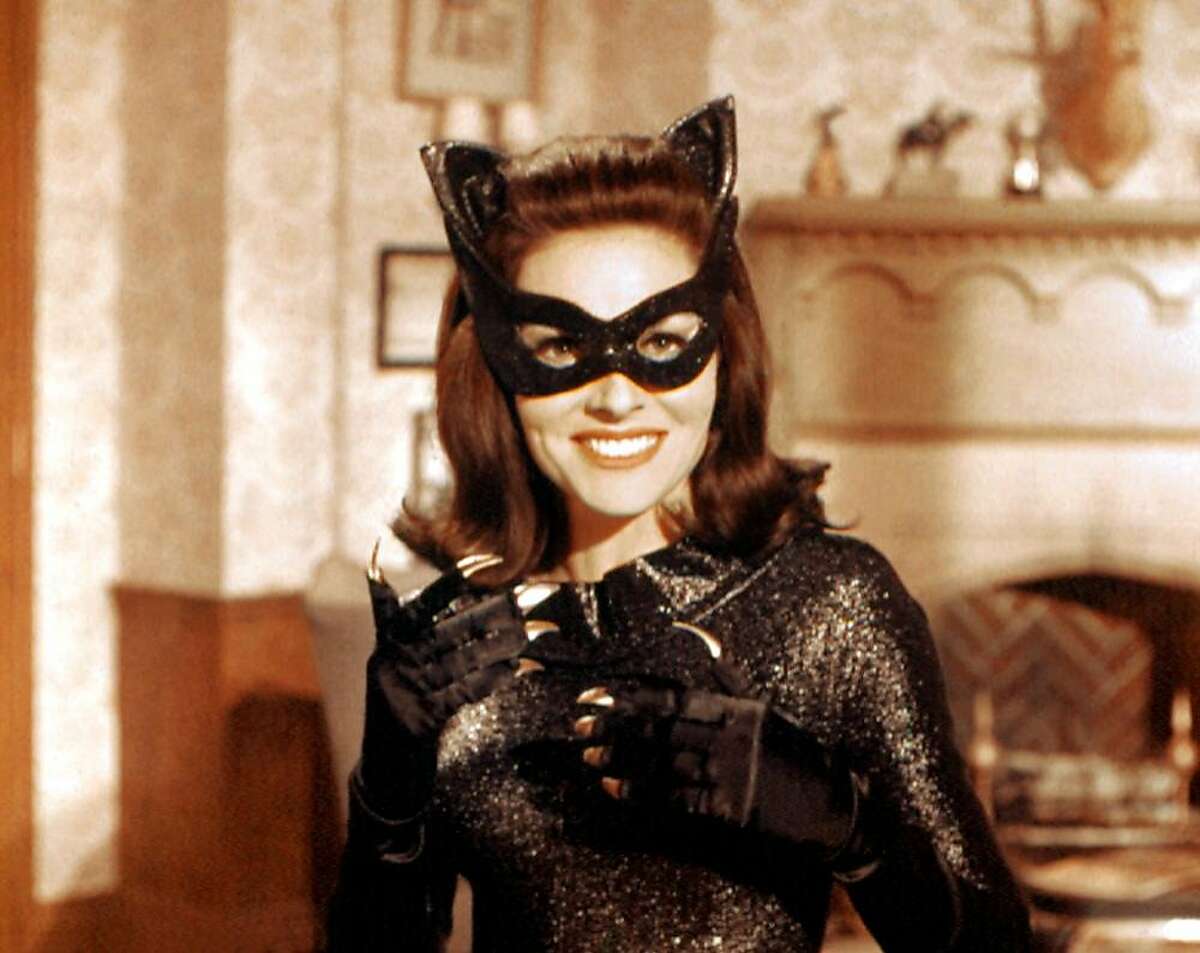
The Cat’s Meow: Why Lee Meriwether was the Best Catwoman in the 1966 Batman TV Series

Introduction:

When it comes to the iconic 1966 Batman TV series, there’s a lot to remember and love. From the campy humor to the unforgettable theme song, the show remains an indelible part of our pop culture history. One of the most memorable aspects of the show was the rogues’ gallery of colorful villains. Among them, the seductive and cunning Catwoman stands out, portrayed by three different actresses during the series’ run. Julie Newmar, Lee Meriwether, and Eartha Kitt all brought their unique spin to the character, but it was Lee Meriwether who arguably made the most lasting impression, despite only portraying Catwoman in the 1966 Batman Movie. In this blog post, we’ll make a case for why Lee Meriwether was the best Catwoman in the 1966 Batman TV series.

  1. Lee Meriwether’s Catwoman: A Seamless Blend of Danger and Allure

While Julie Newmar and Eartha Kitt were undeniably talented and captivating in their portrayals of Catwoman, Lee Meriwether brought a unique combination of danger and allure to the role. Her performance in the 1966 Batman Movie showcased a Catwoman who was equal parts seductive and cunning. She possessed the ability to outsmart Batman and Robin at every turn, while also luring them into her web of deception. This made her not just an entertaining villain, but a formidable adversary for the Caped Crusader.

  1. A Rich and Layered Performance

Lee Meriwether’s portrayal of Catwoman in the 1966 Batman Movie was not a one-dimensional caricature. She brought depth and nuance to the role, providing a more complex and intriguing character. In the movie, she played a dual role as both Catwoman and Russian journalist Kitka, seducing Bruce Wayne and attempting to manipulate him for her own gains. This added layer allowed Meriwether to showcase her acting range and gave the audience a glimpse into the mind of a cunning and intelligent villain.

  1. A Fresh Take on an Iconic Character

When Lee Meriwether took on the role of Catwoman for the 1966 Batman Movie, she had big shoes to fill, as Julie Newmar had already made her mark as the character in the TV series. However, Meriwether rose to the challenge and managed to bring something fresh and exciting to the role. Her interpretation of Catwoman was not a mere imitation of her predecessor, but rather a distinct and captivating portrayal that resonated with fans of the show and movie alike.

  1. A Timeless Appeal

Lee Meriwether’s Catwoman continues to captivate fans, even decades after the 1966 Batman Movie was released. Her performance remains a touchstone for fans of the character and the series, proving that she made a lasting impact with her portrayal. This is a testament to the strength of her performance and her ability to bring the character to life in a way that resonates with audiences across generations.

  1. Chemistry with the Cast

One of the key aspects of any great performance is the chemistry between the actors. In the 1966 Batman Movie, Lee Meriwether displayed an undeniable chemistry with Adam West (Batman) and Burt Ward (Robin), as well as with the other iconic villains she shared the screen with. This on-screen dynamic elevated the movie and made it even more enjoyable for fans. The chemistry between Meriwether and West was particularly notable, as it lent credibility to their characters’ interactions and allowed the audience to become even more invested in their story.

Conclusion:

While Julie Newmar and Eartha Kitt both made significant contributions to the legacy of Catwoman in the 1966 Batman TV series, it is Lee Meriwether who truly stands out as the best Catwoman. Her seamless blend of danger and allure, her rich and layered performance, her fresh take on an iconic character, her timeless appeal, and her undeniable chemistry with the cast all combine to make her portrayal one for the ages.

It’s important to note that each actress brought something unique to the role of Catwoman, and their individual contributions should not be discounted. However, Lee Meriwether’s performance in the 1966 Batman Movie was so powerful and captivating that it transcends the fact that she only played the character once. Her interpretation of Catwoman stands as a testament to her talent and her ability to make a lasting impact on audiences.

This blogpost was created with help from ChatGPT Pro.

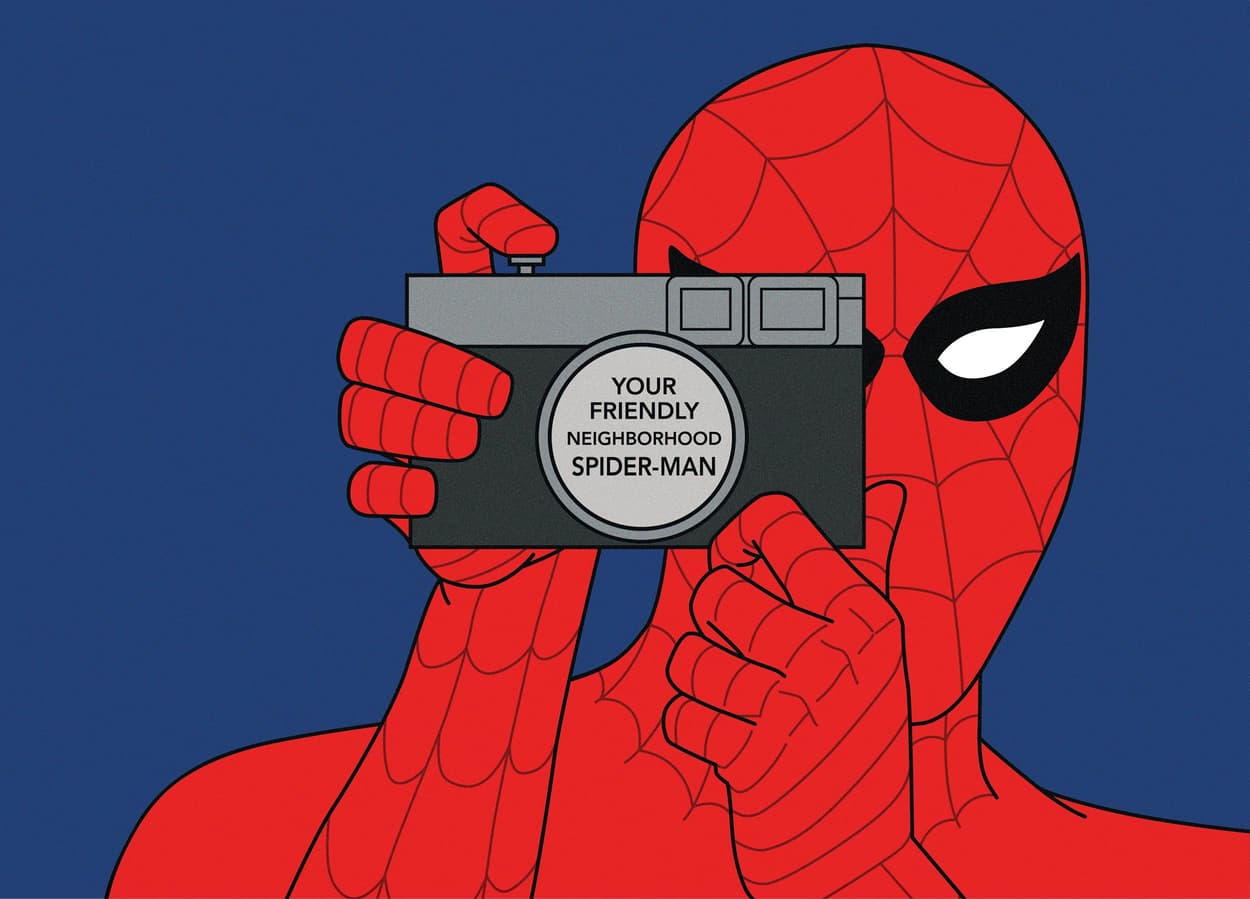
“Spider-Man, Spider-Man!” – Why the 1967 Theme Song is the Greatest TV Theme of All Time

Picture this: it’s the late 1960s, you’re a child sitting cross-legged in front of the television set, eagerly awaiting the start of your favorite show. Suddenly, the iconic tune fills the air: “Spider-Man, Spider-Man, does whatever a spider can!” Instantly, you’re captivated and transported into the thrilling world of the friendly neighborhood superhero. The theme song from the 1967 Spider-Man TV cartoon show is not only a catchy and memorable tune, but it also stands as the greatest TV theme song of all time. Bold claim? Absolutely. Allow me to passionately explain why this remarkable piece of music has earned this prestigious title.

A Timeless Melody

The Spider-Man theme song, composed by Paul Francis Webster and Robert “Bob” Harris, possesses a melody that has truly withstood the test of time. The unforgettable, upbeat tempo and energetic rhythm perfectly capture the essence of Spider-Man and his heroic adventures. The tune’s ability to transcend generations is a testament to its greatness, as fans young and old alike continue to hum, whistle, and sing along to this day.

The Lyrics: An Origin Story in a Song

One of the factors that elevate the Spider-Man theme song to unparalleled heights is the lyrics. In just a few lines, the songwriters manage to encapsulate the essence of Spider-Man’s character and his origin story. Lyrics such as “Is he strong? Listen, bud, he’s got radioactive blood!” and “Here comes the Spider-Man” are simple yet powerful, painting a vivid picture of the hero we all know and love. The lyrics serve as a reminder that Spider-Man is not only a superhero but also a relatable character with human struggles and emotions, making the song all the more endearing and impactful.

Cultural Impact and Legacy

The 1967 Spider-Man theme song has had an undeniable cultural impact, with its legacy spanning decades. The theme has been referenced, parodied, and reimagined in countless TV shows, movies, and other forms of media. Even the Marvel Cinematic Universe has paid homage to this iconic tune, with Michael Giacchino’s score for “Spider-Man: Homecoming” incorporating elements of the original theme. The song’s enduring popularity speaks volumes about its significance in pop culture and its ability to evoke nostalgia in fans of all ages.

Embodying the Spirit of Spider-Man

At its core, the 1967 Spider-Man theme song embodies the very spirit of Spider-Man. The catchy tune and clever lyrics showcase the perfect blend of humor, energy, and a touch of self-awareness that makes Spider-Man such a beloved character. It’s a song that brings out the inner child in all of us, reminding us of the days when we’d pretend to swing from building to building, fighting villains, and saving the day.

Conclusion

In conclusion, the theme song from the 1967 TV cartoon show “Spider-Man” is undeniably the greatest TV theme song of all time. Its timeless melody, succinct storytelling through lyrics, and massive cultural impact have solidified its place in the hearts and minds of fans worldwide. In the pantheon of great TV themes, “Spider-Man” stands tall, swinging triumphantly above the rest. So, let’s all continue to sing along with pride: “In the chill of night, at the scene of a crime, like a streak of light, he arrives just in time. Spider-Man, Spider-Man, friendly neighborhood Spider-Man!”

This blogpost was written with assistance by ChatGPT Pro.

The Mystery of the Lost Scooby-Doo Episode: When Kareem Abdul-Jabbar Met D.B. Cooper

For decades, Scooby-Doo fans have whispered about the existence of a long-lost episode featuring a crossover with NBA legend Kareem Abdul-Jabbar. The mysterious episode is said to have explored the enigmatic case of D.B. Cooper, the unidentified man who hijacked a Boeing 727 in 1971 and vanished into thin air. Although the episode was never aired, tantalizing hints in the form of newspaper clippings and television news broadcasts from the 1970s have kept the legend alive. Now, we’ve pieced together a comprehensive account of the episode’s plot and the reasons behind its disappearance. Grab your Scooby Snacks, and let’s unravel this mystery!

Rumored Title and Plot Synopsis

Supposedly titled, “Scooby-Doo and the Skyjack Slam Dunk”, the episode begins with The Mystery Inc. gang receiving an invitation from Kareem Abdul-Jabbar to join him at his charity basketball game. Upon their arrival, they learn that Kareem has been receiving mysterious letters from someone claiming to be the infamous D.B. Cooper. The letters challenge Kareem and the gang to solve the mystery of his true identity.

The game is held in a small town near the site of Cooper’s legendary skyjacking. While exploring the area, the gang stumbles upon a long-abandoned cabin deep in the woods. Inside, they discover a trove of clues pointing to the possible identity of D.B. Cooper, including a tattered parachute and a briefcase full of cash.

As they piece together the evidence, the gang encounters a series of spooky apparitions, including a ghostly figure who seems to be D.B. Cooper himself. With Kareem’s help, Scooby and the gang unmask the “ghost” and reveal him to be a local conman trying to cash in on the legend.

In the end, the gang deduces that the real D.B. Cooper had died in the wilderness after his daring escape. Kareem thanks Mystery Inc. for their help, and they all celebrate with a sky-high slam dunk.

Why the Episode Never Aired

According to the New York Times article dated September 12, 1973, the episode was slated for release during the fall season. However, the FBI intervened, citing concerns that the episode would make light of a serious criminal case and potentially inspire copycat crimes. As a result, the episode was pulled from the schedule and locked away in the Hanna-Barbera vaults.

In addition to the New York Times article, several other sources have made passing references to the lost episode:

  1. Los Angeles Times, July 7, 1973: An article about the upcoming season of Scooby-Doo mentioned the Kareem Abdul-Jabbar crossover episode as a highlight.
  2. The Washington Post, August 27, 1973: A report on popular culture’s fascination with D.B. Cooper briefly mentioned the upcoming Scooby-Doo episode.
  3. CBS Evening News, October 10, 1973: A segment on the FBI’s involvement in television programming cited the Scooby-Doo episode as an example of government censorship.

Conclusion

While the lost episode of Scooby-Doo featuring Kareem Abdul-Jabbar and the D.B. Cooper mystery may never see the light of day, the intrigue surrounding it has only grown over the years. These tantalizing clues from the past have fueled the imaginations of fans and mystery enthusiasts alike, making “Scooby-Doo and the Skyjack Slam Dunk” one of the most enigmatic episodes in television history.

This April Fools Post was written in part by ChatGPT Pro