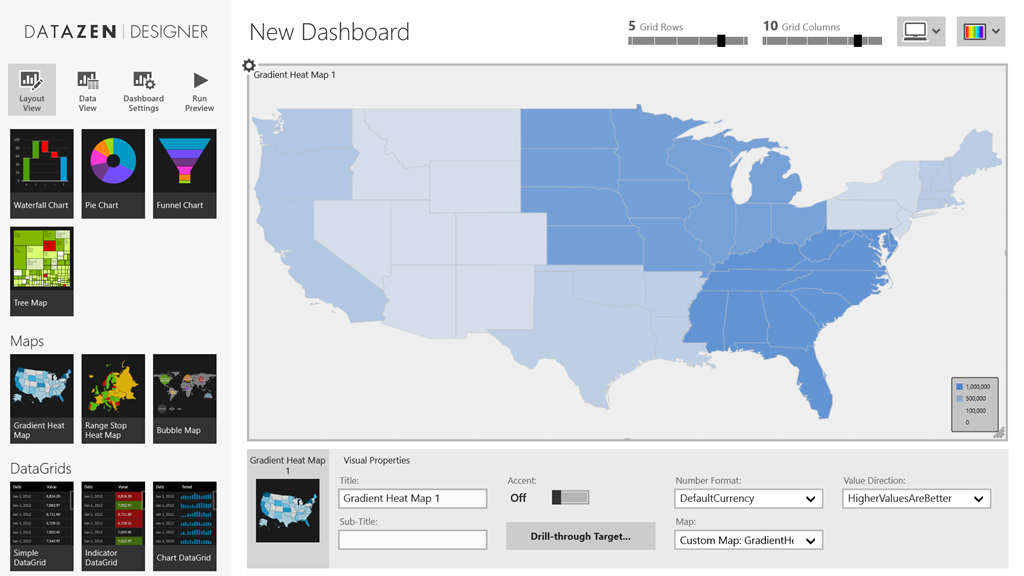
Hi all – hopefully, you’re as excited as I am about the upcoming GA of SQL Server 2016 on June 1 and with it, the brand new version of Reporting Services. We’re finishing up the official release of the Mobile Report Publisher as well, and with that in mind, I wanted to introduce a new blog series I’m doing here. I’ve taken the time to put together some custom map files you can use for your mobile reports. I’ll post the files here each week or so. These will be free for you to download/share, use or repurpose however you’d like. I’ll post more as I get more created – these maps aren’t officially supported by Microsoft in anyway, so keep that in mind as you download and use them. I just thought you might find them valuable, and frankly, I needed to do a new blog post. It’s been awhile.
Use the links below to download the zipped map files. You’ll need to unzip them and follow the directions here to use them in your mobile reports.
Africa – Download
Argentina – Download
Asia – Download
China – Download
Thanks for reading, and enjoy the free maps. Be sure to keep following this blog to grab more maps in the future!