SQL Server 2016 Mobile Reports – Free Maps of the Week, Part 4

image

Hi all!

Another week, another set of free maps for SQL Server 2016 Reporting Services Mobile Reports.  Use the links below to download the zipped map files.  You’ll need to unzip them and follow the directions here to use them in your mobile reports.

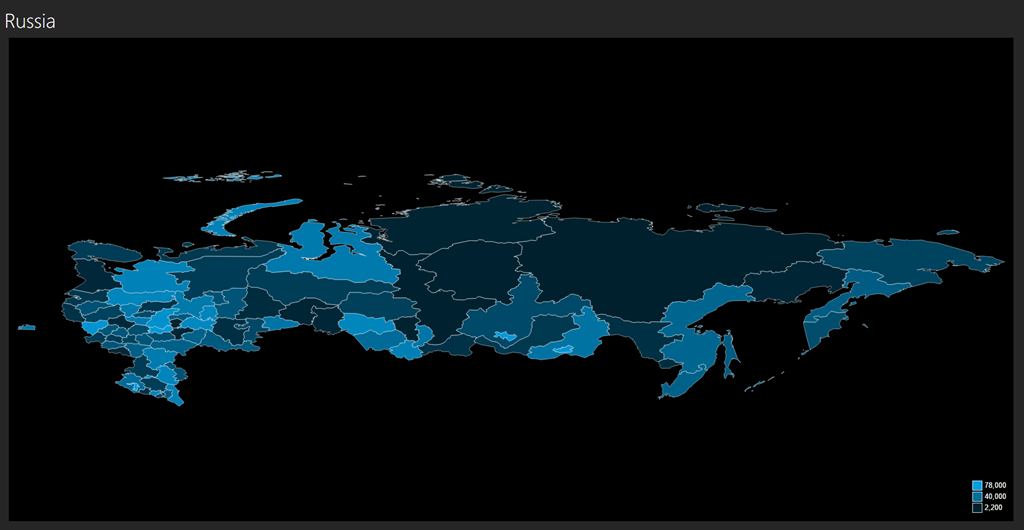
Russia – Download
Croatia – Download
Finland – Download
Japan – Download
New Zealand – Download
Norway – Download
Pakistan – Download
India – Download

Remember, these maps aren’t officially supported by Microsoft in any way.  I’m working my way through even more, so look for an even larger list of maps being made available next week.  Thanks!

SQL Server 2016 Mobile Reports – Free Maps of the Week, Part 3

image

Hi everyone – once again, I have a new set of free maps I’ve pulled together to share with all of you as we celebrate the official release of SQL Server 2016.

Use the links below to download the zipped map files.  You’ll need to unzip them and follow the directions here to use them in your mobile reports.

Cayman Islands – Download
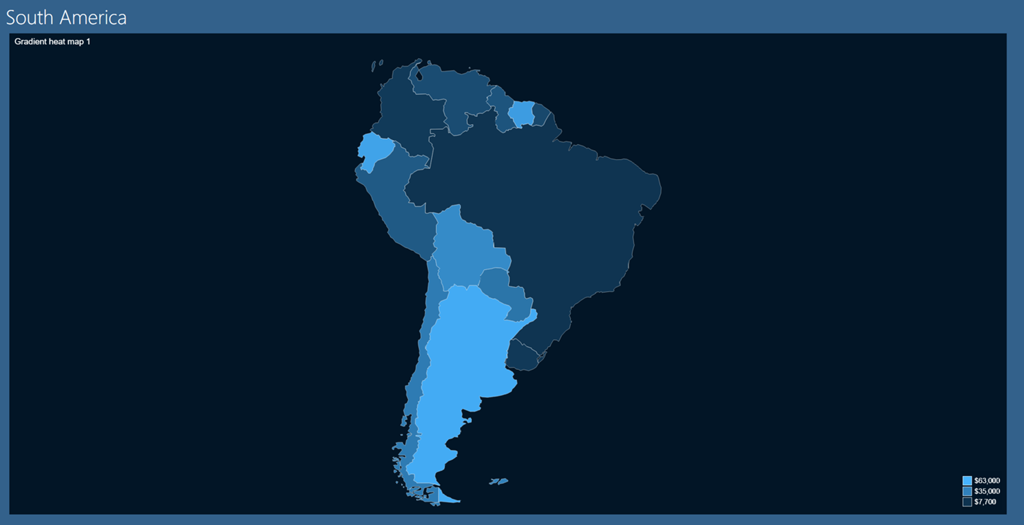
South America – Download
Ukraine – Download
Micronesia – Download
Jamaica – Download
Hong Kong – Download

Remember, these maps aren’t officially supported by Microsoft in any way.  This blog series seems to be fairly popular regardless, so look for even more next week.  Thanks!

Free Sample Mobile Reports for SQL Server 2016 Reporting Services

image

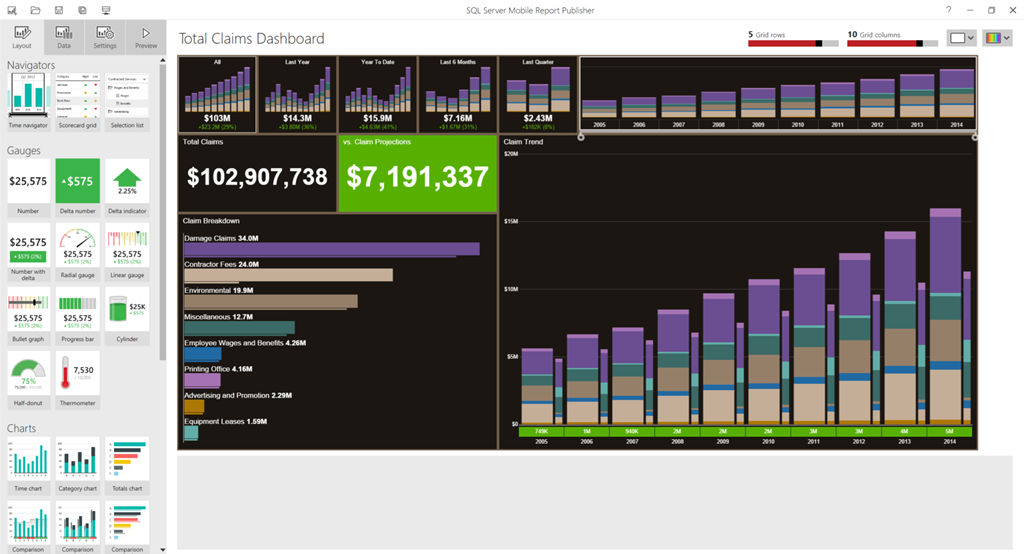
Hi all – I was hoping to get to this over the weekend, since I know a number of folks were looking for some sample mobile report files they could use as a starting point for building new reports in SQL Server 2016 Reporting Services.  While we weren’t able to include any sample files as part of the Mobile Report Publisher install, I do have some sample files I use that I’m happy to share with you to use as you’d like.  Just download the zip file, open one of them in Mobile Report Publisher and you have a great starting point for your own mobile report(s).

The usual disclaimer applies that these samples aren’t officially supported by Microsoft in any way.

Sample Mobile Reports – Download

Enjoy, and I’ll have more sample map files available for you later this week.

SQL Server Mobile Reports – Free Maps of the Week, Part 2

image

Hi everyone – as promised last week, I have a new set of free maps I’ve pulled together to share with all of you as we get even closer to the GA of SQL Server 2016.

Use the links below to download the zipped map files.  You’ll need to unzip them and follow the directions here to use them in your mobile reports.

World Countries – Download
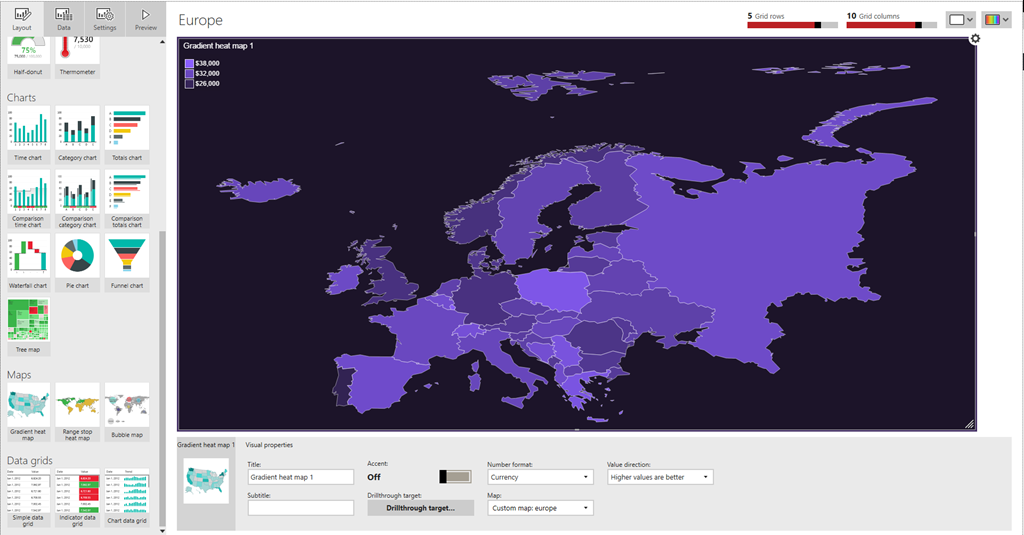
Europe – Download
Bosnia-Herzegovina – Download
Bulgaria – Download
Spain – Download

Remember, these maps aren’t officially supported by Microsoft in any way.  But if you find these helpful, be sure to check back next week for even more free maps.  Have a great rest of your holiday weekend (well, if you’re in the US, anyways)!

SQL Server Mobile Reports – Free Maps of the Week

image

Hi all – hopefully, you’re as excited as I am about the upcoming GA of SQL Server 2016 on June 1 and with it, the brand new version of Reporting Services.  We’re finishing up the official release of the Mobile Report Publisher as well, and with that in mind, I wanted to introduce a new blog series I’m doing here.  I’ve taken the time to put together some custom map files you can use for your mobile reports.  I’ll post the files here each week or so.  These will be free for you to download/share, use or repurpose however you’d like.  I’ll post more as I get more created – these maps aren’t officially supported by Microsoft in anyway, so keep that in mind as you download and use them.   I just thought you might find them valuable, and frankly, I needed to do a new blog post.  It’s been awhile.

Use the links below to download the zipped map files.  You’ll need to unzip them and follow the directions here to use them in your mobile reports.

Africa – Download
Argentina – Download
Asia – Download
China – Download

Thanks for reading, and enjoy the free maps.  Be sure to keep following this blog to grab more maps in the future!

So refreshing–How data refresh works with Mobile Reports and KPI’s in Reporting Services

image

With the release of SQL Server 2016 CTP 3.3 and the latest version of the Mobile Report Publisher Preview both now available, I thought it would be a good time to review how data updates work for Mobile Reports and KPI’s in Reporting Services.

As I reviewed in a previous post, you need to create a shared dataset to use in your mobile report or KPI that you save on the server.  This is similar to what you would do in Datazen, where you’d create a query against a data source on the server and then use it for either a dashboard or a KPI.  However, the way data is updated for KPI’s using a shared dataset works a little differently than it does with Mobile Reports.

Let’s review the Mobile Reports scenario first – In Reporting Services, by default, the shared dataset will always be up-to-date with the latest data.

image
They’re live!

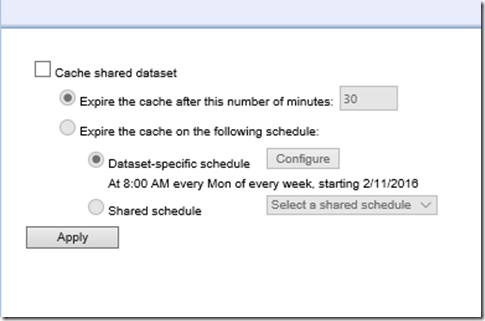
So if I create a query against a SQL Server table for my dataset, every time I run a mobile report, that query will execute and bring back the latest data.  This might not be ideal for performance reasons if hundreds/thousands of users are potentially using that report frequently.  So Reporting Services has an option to cache the dataset on a periodic basis – that way, the data is saved periodically on the Report Server and isn’t always going back against the live data source.
image
You need to setup caching in the old Report Manager in CTP 3.3

It’ll make sure everyone who runs the report is getting consistent results and response times are potentially faster.  If you do this for your mobile reports, you won’t see any updates to your data until the cache expires and the query then executes against the underlying dataset again.

With KPI’s, this doesn’t work the same way – for your KPI’s to be updated with the latest data from your shared dataset, you must have caching turned on AND also have a cache refresh schedule enabled to preload the cache with fresh data.

image

Why does it work differently than Mobile Reports?  Well, imagine if you have forty KPI’s on the home page of your portal.  When you first load the site, if it worked the way it did for mobile reports, it would execute at least forty queries all at once to load the data for each KPI.  And since you can setup multiple datasets for different elements of a KPI, you’d potentially be running over 100 separate queries just by going to the home page.  Multiply that by several users doing it at the same time, well, you get the idea.  So make sure you setup a cache refresh plan

Hopefully this helps you understand what your options are around refreshing your data for your mobile reports and KPI’s in SQL Server 2016.  Thanks for reading!